
Let me be straight with you: your Google Business Profile is probably costing you customers right now, and you don't even know it.
I've worked with countless small businesses over the years, and I see the same pattern repeat itself. Business owners spend thousands on their website, invest in social media, maybe even hire someone for google maps marketing services: but they completely overlook the one thing that determines whether local customers find them or their competitor down the street.
Your Google Business Profile isn't just another online listing. In 2026, it's often the first (and sometimes only) impression potential customers get of your business. Google's AI is getting smarter at understanding search intent, and when someone searches for a service you offer, Google's increasingly recommending specific businesses through its AI-powered search features.
The problem? Most businesses are making critical mistakes that tank their visibility. Let me walk you through the seven biggest ones I see: and more importantly, how to fix them.
Mistake #1: You Haven't Actually Claimed or Verified Your Profile
This sounds basic, but you'd be surprised how many businesses skip this foundational step.
If you haven't claimed and verified your Google Business Profile, you have zero control over how your business appears in searches. That means anyone can suggest edits to your information. Your hours could be wrong. Your phone number might be outdated. Your competitors could even leave reviews that you can't respond to.
I've seen businesses lose weeks of potential customers because someone added incorrect hours to their unclaimed profile. Customers showed up when they were closed, got frustrated, and went to a competitor instead.
The fix: Go to Google Business Profile right now and claim your listing. Verify it through whichever method Google offers: postcard, phone, email, or instant verification if you have Search Console access. This takes 10 minutes and gives you control over your entire online presence in Google's ecosystem.
Mistake #2: Treating Your Profile Like a "Set-It-and-Forget-It" Checklist
Here's where most businesses fall short: they fill in the bare minimum and never touch it again.
Your business name, address, phone number? Check. Maybe a description? Sure. And then… crickets.
But Google Business Profile has dozens of sections: services, products, opening date, attributes, business hours for holidays, appointment links, menu items (for restaurants), and more. Each empty section is a missed opportunity for Google to understand what you offer and match you to relevant searches.
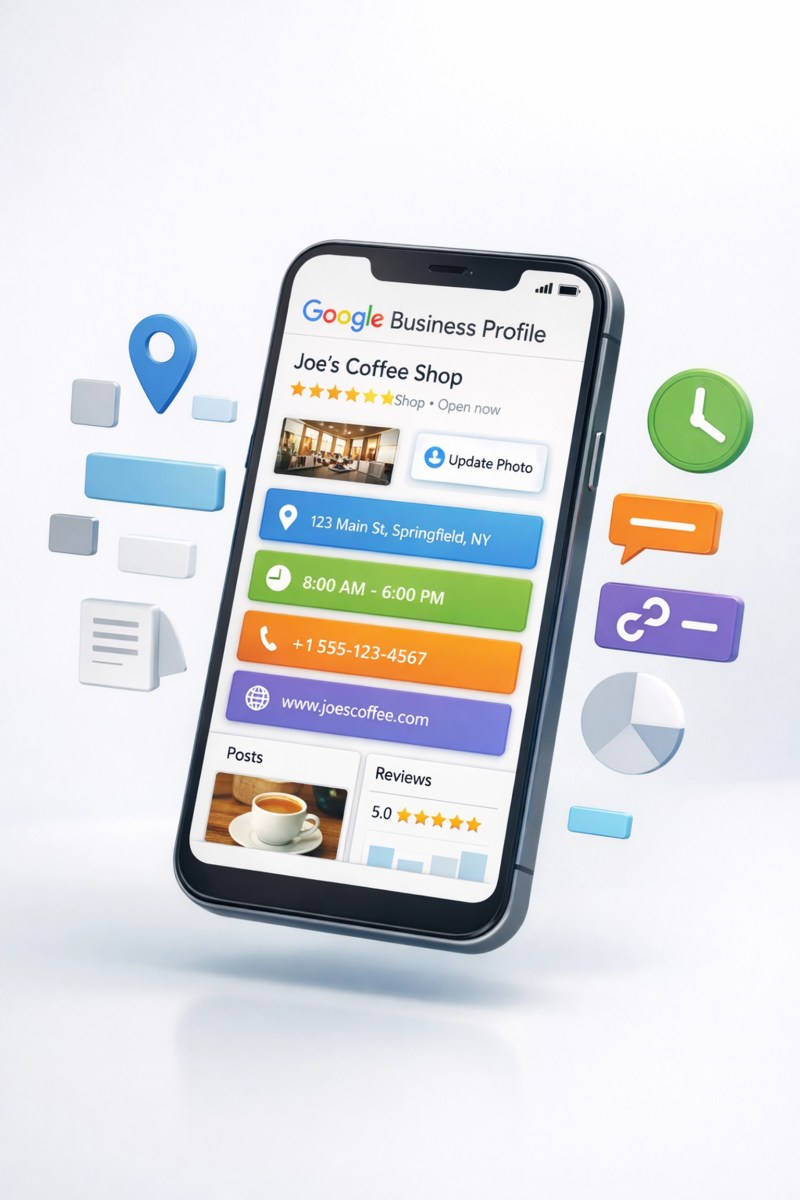
Think about it this way: when Google's AI is deciding which business to recommend for "emergency plumber near me at 2am," do you think it's choosing the profile that lists services and has updated holiday hours, or the one that just has a name and address?
The fix: Block out 30 minutes this week. Go through every single section of your profile and fill it out completely. Add your services with descriptions. Upload your product catalog. Set special hours for upcoming holidays. The more information you provide, the more opportunities Google has to show you.
Mistake #3: Choosing the Wrong Primary Category (This One's a Silent Killer)
Your primary category is one of the most powerful ranking factors on Google Maps. Yet I constantly see businesses shooting themselves in the foot by choosing something too broad or completely wrong.
A roofing contractor selects "Contractor" instead of "Roofing Contractor." A cosmetic dentist picks "Medical Center" instead of "Cosmetic Dentist" or "Dentist." A personal injury attorney chooses "Legal Services" instead of "Personal Injury Attorney."
What happens? Google shows your competitors first for specific searches because they selected the correct category. Someone searching for "roofing contractor Miami" sees your competitor at the top, even though you might be better, closer, or more affordable: simply because your category is wrong.
The fix: Review your primary category today. Choose the most specific category that accurately describes your main service. You can add secondary categories for other services, but get that primary category right. This single change can dramatically improve your local visibility.
Mistake #4: Inconsistent NAP Information Across the Web
NAP stands for Name, Address, Phone: and Google is obsessed with consistency.
Your business information must be identical everywhere: your website, your Google Business Profile, Facebook, Instagram, Yelp, industry directories, everywhere. And I mean identical. "St" versus "Street" matters. "Suite 100" versus "#100" matters. Missing a ZIP code matters.

Google's crawlers compare your website information to your profile constantly. When they find mismatches, it triggers red flags. I've seen businesses get stuck in verification loops or lose ranking simply because their website said "123 Main Street" while their profile said "123 Main St."
This becomes even more critical with AI-powered search in 2026. When AI systems are pulling information about your business from multiple sources, inconsistencies confuse them and reduce your chances of being recommended.
The fix: Do a complete audit of your NAP information everywhere it appears online. Make it identical across every platform. If you have a professional handling your pr and marketing for small business, this should be part of their baseline service. Update your website first, then match everything else to it.
Mistake #5: Ignoring Reviews and Customer Interactions
Your review section isn't optional: it's a conversation with future customers, and Google's watching.
When you ignore reviews (especially negative ones), two things happen. First, Google sees inactivity and may reduce your visibility. Second, potential customers see that you don't care about feedback, and they bounce to a competitor who actively engages with their reviews.
I get it. Responding to negative reviews feels uncomfortable. But here's the reality: a thoughtful response to a negative review often impresses potential customers more than having no negative reviews at all. It shows you're real, you care, and you fix problems.
The fix: Set a weekly reminder to check and respond to reviews. Thank people for positive reviews (keep it personal, not copy-paste). For negative reviews, acknowledge the issue, apologize if appropriate, and explain how you've addressed it or invite them to contact you directly. Never get defensive.
Also, never ask customers to include specific keywords in their reviews. Google's guidelines explicitly prohibit this, and violations can trigger penalties that tank your visibility.
Mistake #6: Never Posting Updates or Offers
Google Business Profile isn't a static listing: it's a mini social media platform, and the businesses that post regularly get rewarded with better visibility.
Posts appear in your Business Profile and can include updates, offers, events, or news. They signal to Google that you're an active, engaged business. More importantly, they give potential customers timely information about what you're offering right now.

I've worked with businesses that added weekly posts and saw measurable increases in profile views and clicks to their website within a month. It's not complicated content: "Spring Special: 20% off roof inspections" or "Now offering Saturday appointments" works perfectly.
The fix: Create a simple posting schedule. Once a week is great; twice a month is better than nothing. Share offers, announce new services, highlight positive reviews, or post about community involvement. Keep them short (100-200 words), add a photo, and include a call-to-action button.
For businesses working with google business profile management services, regular posting should be a standard part of the package.
Mistake #7: Using Low-Quality, Outdated, or Zero Photos
Your photos might be the most underrated element of your entire profile.
Think about your own behavior. When you're searching for a restaurant, dentist, or any local service, what do you do? You look at the photos. If you see professional, current, authentic images, you trust the business. If you see nothing, low-quality smartphone pics from 2019, or obvious stock photos, you keep scrolling.
Google knows this too. Profiles with high-quality, regularly updated photos get more engagement, which signals to Google that you're a legitimate, active business worth showing to searchers.
The fix: Invest in professional photos at least once a year. Show your actual space, your real team, your products or services in action. Add photos regularly: aim for at least one new photo per month. Delete outdated photos that no longer represent your business. Authenticity beats polish every time.
The Bottom Line
Your Google Business Profile is working for you or against you: there's no neutral ground in 2026.
The good news? Every mistake I've outlined here is completely fixable. You don't need a massive budget or technical expertise. You just need to be thorough, consistent, and engaged.
If you're managing your own profile, block out time this week to audit each of these seven areas. If you're working with public relations for small business or marketing professionals, make sure these fundamentals are being handled properly.
The businesses dominating local search aren't always the biggest or oldest. They're the ones that understand how Google Business Profile actually works and commit to maintaining it properly.
Ready to stop losing customers to fixable mistakes? Start with your profile today, and you'll see results faster than you think.
SEO Meta Description: Discover the 7 critical Google Business Profile mistakes costing small businesses customers in 2026. Learn how to fix them and dominate local search with this actionable checklist.
Excerpt: Your Google Business Profile is probably costing you customers right now. From wrong categories to inconsistent information, these seven common mistakes are tanking your local visibility in 2026: and they're easier to fix than you think.
Focus Phrase: Google Business Profile Mistakes 2026


